How to Scope an AI Agent Project That Actually Ships (5 Steps)
To scope an AI agent project, pick one workflow, name the one system it may read or write, list what each tool is allowed to do, decide where a human must approve, and define a done metric for a pilot. If those five lines will not fit on a page this week, you do not have a project. You have a demo idea.

At InRay Labs we build autonomous agents and multi-tenant SaaS, and we scope our own work the same way. These steps are the plain version of Discover, Design, Develop, Launch, Support: find the job, draw the boundaries, build inside them, run a pilot, then keep what is still true.
1. Pick one workflow and write the done condition
Write the job in one sentence someone else could run. Not "automate sales." Call the front desk, find who owns parent communication, note the current setup, and route the outcome.
Done is a business state, not "the model answered." A lead is qualified. A follow-up is on the calendar. A not-interested call is logged with context. A draft is waiting for a person to publish it.
That is how we framed outreach for ConnectEdu, our AI school ERP and parent engagement platform. Most of those first calls end with the principal busy, a system they already have, or "call next week." Closing the school is a different project. Pick the job that already hurts this week.
2. Name the one system of record the agent may read or write
Name the system that holds the truth for this job, and whether the agent may read it, write it, or both. If you cannot name it, stop. An agent that can "see everything" usually cannot be checked.
For ConnectEdu's Admin AI Agent, the system is the live school ERP. Logged-in staff ask in any language. Answers come back in English from secure database queries: fees, attendance, student counts, fee collection, staff, transport, and exams. It can add or update student and staff records. Parent-facing delivery is a different surface, not this chat. The path is only for logged-in schools: https://schools.connectedu.in/admin/agent. There is no customer quote for this agent.
For the voice experiment, the record after the call is the CRM. Qualified goes to a human, a follow-up is scheduled, and "already have a solution" or "not interested" is logged with context.
I split my Grok bots for the same reason. One bot across content, mail, tickets, campaigns, and product data made context messy and permissions risky. One job gets one system. A second job gets another bot.
3. List the tools and what each is allowed to do
Skip the stack diagram. For each tool, write read, draft, write, send, or none.
- Knowledge: read it. Do not invent a product claim.
- CRM: write an outcome. Do not delete records.
- Phone: place the first-touch call. Do not negotiate.
- Slack, Jira, and Gmail: read, open a ticket, assign it. Do not send mail as a person.
- Publishing: draft only, until a human says the page can go up.
That is how my desks run. The content bot keeps a topic queue and writes drafts. A page is committed only after I approve, and brand posts stay in chat. The ConnectEdu campaign bot can check status, help create a campaign, and email leads already in the pipeline. Brand sends still need me. Overnight lead gen leaves a CSV from public sources. It does not take the sales call.
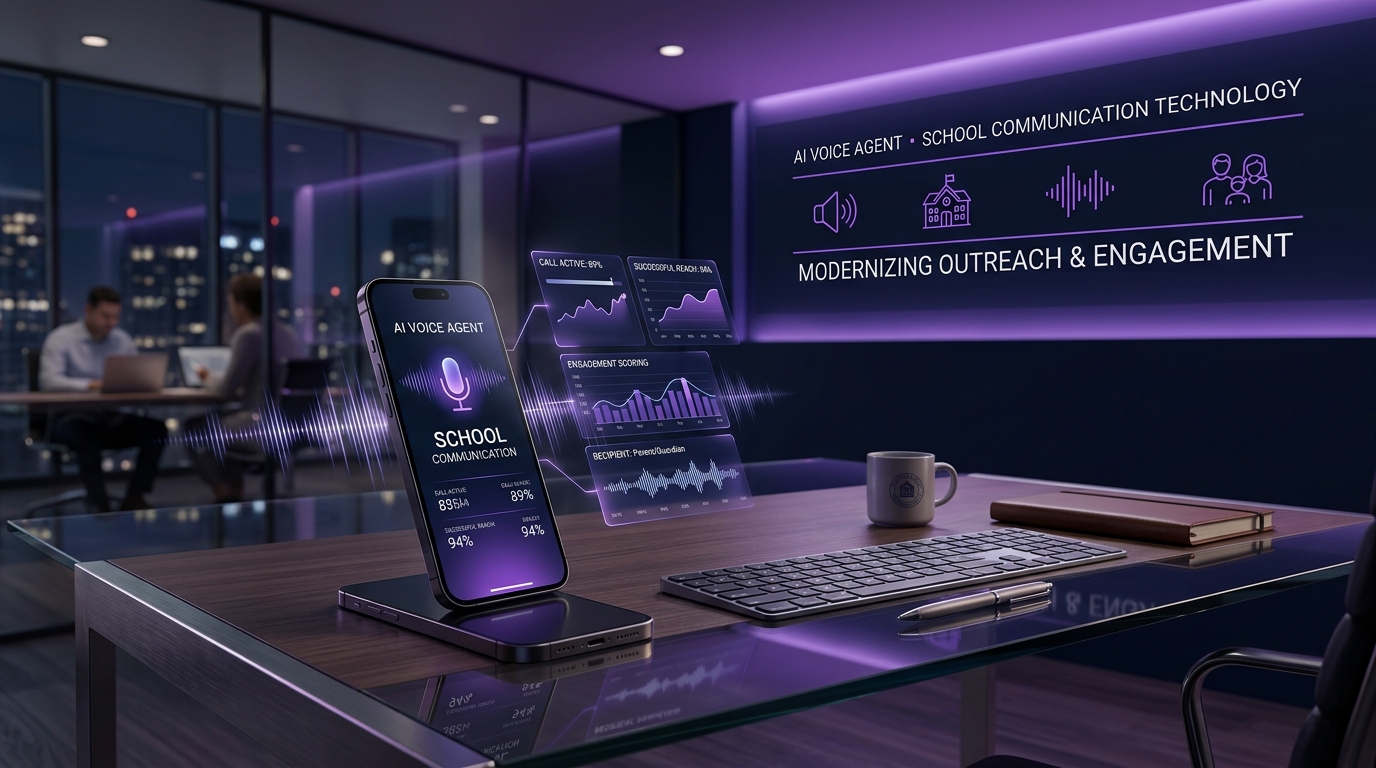
The voice agent in xAI's Voice Agent Builder followed the same list: behavior in plain language, knowledge attached, tools for qualification and routing, and guardrails for interruptions, hang-ups, and off-script questions. The allowed path was a short ConnectEdu intro, the right admin, then WhatsApp, a traditional ERP, a custom app, or manual notices, and stop.
4. Decide where a human must approve
Draw the handoff before the prompts. A named person approves anything that sends as someone, spends money, is painful to undo, or speaks for the brand.
On school outreach, the agent does the repetitive first-touch qualification. Sales takes the conversation that matters. Qualified leads go to a person. A demo and the trust-building stay human.
My refuses are written down. I approve final publish for brand or personal posts. Claims stay inside what is live. Nothing sends as me, and nothing emails a school, without a clear ask. WhatsApp connected, I got a warning I believe was tied to that connection, and I disconnected it.
The Admin AI Agent may add or update students and staff only as a logged-in school operation, not because a public bot seemed helpful. Write the trigger, what the human sees, what they can reject, and what the agent must not do while it waits.
5. Define how you will know it shipped
A demo is not a launch. Shipped means a pilot ran on the real workflow, against the done condition, and you can describe the result without inventing a chart.
Pick one metric and a window you will review. For calls, audit what you can see: the call finished, the outcome hit the right bucket, you heard the transcript, a broken guardrail got fixed. We are still in that loop on the ConnectEdu voice agent. We test, listen to transcripts and audio, tighten guardrails, and only then measure. We have not published call volumes or conversion rates, and this post will not invent them.
Inside the studio, shipped can be quieter. Overnight leads show up as a CSV. Slack and Jira noise becomes tickets. A morning roll-up says what moved, what is blocked, and what needs me. I have not measured a productivity number for it.
Keep the pilot small: a short run of real tasks, or one week of the live queue, reviewed by the owner. If done is missed, narrow the scope.
What we learned running this on our own work
Two posts cover it. Neither is a customer case study, and neither has a scoreboard.
The voice-agent post is these five steps on one call. First-touch outreach, not the sale. The CRM holds three buckets: qualified to a human, follow-up scheduled, or existing solution / not interested, with context. Tools stay at knowledge, telephony, and routing. Grok Voice is there because noise, interruptions, and accents show up on school calls in markets like India. Speaking was not the hard part. The rules and the handoff were.
The Grok bots post is the same rule as a team, not one agent with every login. Desks stay separate: content and SEO, a PA on Slack, Jira, and Gmail, ConnectEdu campaigns, overnight lead CSVs, and a group roll-up like a scrum. Video voiceover and subtitles was a time-boxed experiment. Publish and school email wait for me. WhatsApp did not stay.
If you want that built, not only written down, AI agent development here means tools, one system of record, and a handoff. Bring the one-pager. We start there.
FAQ
How do you scope an AI agent project?
Write the workflow, the done condition, the one system of record, the tool permissions, the human approval points, and the pilot metric. A blank line means you are still scoping.
How do I build an AI agent for my business without it turning into a demo?
Use a job you already do this week, one system it may touch, and a pilot you can judge. Our voice agent qualifies a school on the first call and routes the result. A person does the real sales conversation.
What is the difference between a chatbot and an AI agent?
A chatbot answers. An agent may query live records, write a CRM outcome, draft a page, or open a ticket, inside a limit you set. ConnectEdu's Admin AI Agent reads live school ERP data and can add or update student and staff records for logged-in staff. No system and no permission list means it is still a chatbot.
When should a human approve an AI agent's actions?
Before it sends as a person, speaks for the brand, or does something hard to undo. Defined qualification can run on its own. On my desks, publishing and email to schools wait for a clear ask. Drafts, CSVs, and ticket suggestions can move inside a boundary you already wrote.
How do you know an AI agent project has actually shipped?
You can point at the pilot and the metric you named: the right bucket, a ticket from noise you cared about, a morning CSV, or a handoff a person accepted. A screenshot is not shipment. Do not fill a gap with a number you never measured.
Bring one workflow to a 30-minute scoping call. Book a time: https://calendly.com/mslabba-turgut/30min. Or email hello@inraylabs.com.