Event ticketing software is the system that turns a venue, a date and a price list into tickets that can be bought online, scanned at the door and counted in real time. Behind one simple "Buy ticket" button sits a chain of parts: an event page, a seat map, a checkout, a ticket generator, a scanner app and a live dashboard. When those parts share one record of every seat and every sale, nothing gets sold twice and the organiser always knows exactly how full the venue is.
The event page: where a sale starts
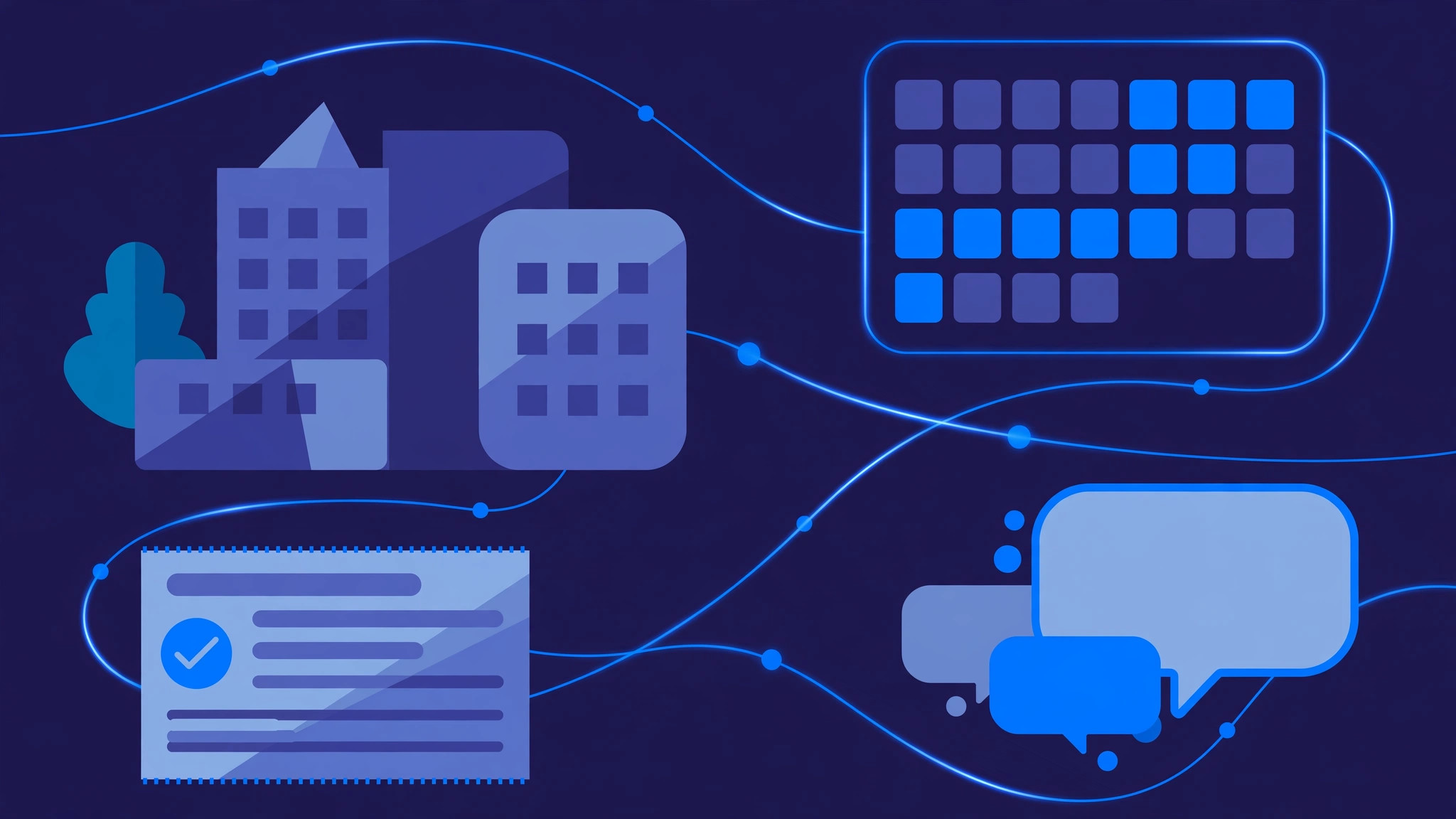
Every event begins as a page: the name, date, venue, lineup or agenda, and the ticket types on offer. Ticket types are more than prices. A general admission ticket, a VIP ticket and a front-row seat are different products with different capacities, different perks and different rules. The software lets the organiser set how many of each type exist, when each goes on sale, and when prices change — for example, an early-bird price that ends two weeks before the event and a last-minute price after that. Once the page is live, every sale, refund and transfer flows back to the same event record, so the organiser never has to reconcile a spreadsheet with a payment report.
Seat maps: selling a place, not just a ticket
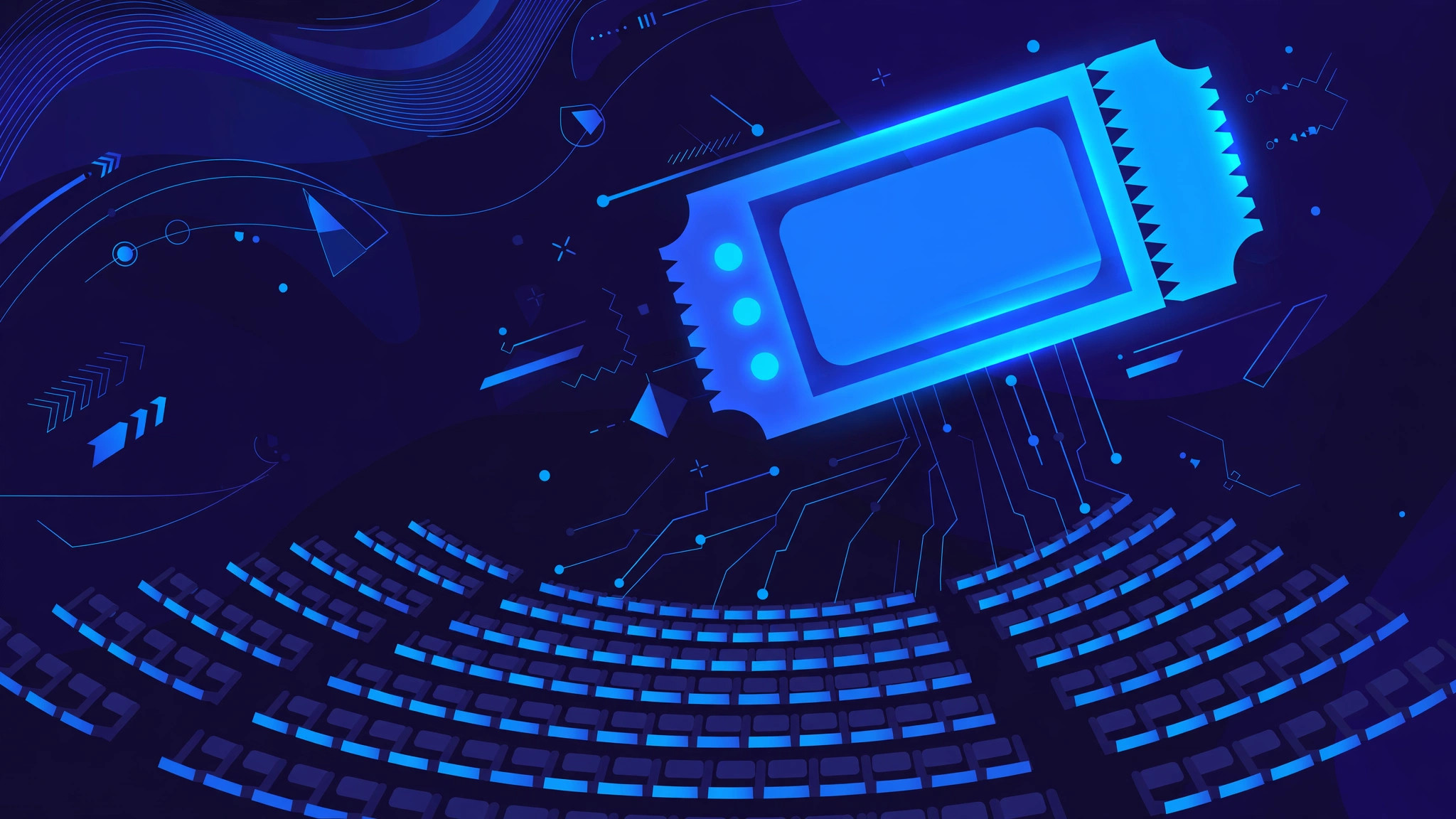
For concerts, theatres and stadiums, the ticket is a specific seat, so the software needs a map of the venue. The organiser uploads a floor plan or builds one with rows, sections and tables, then prices each zone. On the buyer's screen the map is live: every seat shows as available, held or sold. When a buyer clicks a seat, the system holds it for a few minutes while they check out. If payment succeeds, the seat is marked sold instantly; if the buyer abandons the checkout, the hold expires and the seat goes back on sale. This locking is the detail that stops double-selling — without it, two buyers could pay for the same seat at the same time. For general admission events the same idea applies at the level of the whole venue: a total capacity that counts down with every sale.
Checkout and payments
Checkout has to be fast, because a slow checkout loses sales. The buyer picks tickets, enters their details and pays by card, wallet or bank transfer. The software talks to a payment gateway, confirms the payment, and only then issues the tickets. Discount codes, group bookings and add-ons such as parking or merchandise are handled in the same step, so the order total is always one consistent number. If a payment fails, no ticket is created and the seat hold is released. Refunds and transfers run through the same system, which matters for accounting: every ticket has a clear status — sold, refunded, transferred or used — and the organiser can see the money trail for each one.
QR tickets and entry
Once payment is confirmed, the system generates a ticket for each attendee. In most modern setups the ticket is a QR code sent by email or stored in a mobile wallet. The code itself is just a reference: the real record — name, ticket type, seat and status — lives on the server. At the door, staff scan the code with a phone or a handheld scanner. The system looks the code up and answers in under a second: valid, already used, wrong event or wrong entrance. A valid ticket is marked as used on the spot, so a screenshot of the same code cannot get a second person in. Good scanner apps also work offline: scans queue on the phone and sync the moment the connection returns, which matters when venue Wi-Fi drops under the load of thousands of arrivals.
Live sales and attendance
While the event is on sale, the organiser watches a live dashboard: tickets sold per day, which tiers are moving, which sales channels are working, and how much revenue has come in. On the day itself the same dashboard shows arrivals per gate and per zone, so staff can see a queue building at one entrance and open another. After the event, the attendance data becomes the starting point for the next one: which price points sold out, which promotions brought buyers, and how many ticket holders actually showed up. That loop — sell, scan, learn — is what separates ticketing software from a simple payment link.
What good ticketing software gets right
The best systems are boring in the right ways. They keep one source of truth for inventory, so a seat can never be sold twice. They make the buyer's path short: find the event, pick a seat, pay, receive a ticket. They treat the door as part of the product, with fast scanning and offline fallback, because a queue at the gate is the moment the whole experience can fall apart. And they give the organiser clean data — sales, attendance and revenue in one place — instead of reports stitched together from three tools. For an organiser choosing a platform, those four things matter more than any single feature on a marketing page.
Frequently asked questions
How does ticketing software stop the same seat being sold twice?
When a buyer selects a seat, the system locks it for a short checkout window. Payment confirms the sale and marks the seat sold; if checkout is abandoned, the lock expires and the seat returns to sale. Because every sale updates one shared inventory record, two buyers can never complete payment for the same seat.
Can someone reuse a screenshot of a QR ticket?
No, as long as the system enforces single use. The first scan marks the ticket as used, so a second scan of the same code is flagged as already used at every gate. Some platforms also rotate codes or add a short-lived refresh to make screenshots expire.
What happens if the venue Wi-Fi fails at the door?
Scanner apps built for events work offline: they check codes against a list stored on the device, queue the scans, and sync with the server when the connection returns. The organiser should still plan for charged devices, backup phones and a printed guest list.
How do refunds and ticket transfers work?
Refunds and transfers change the ticket's status in the same system that sold it, so the seat or capacity is released back for resale and the payment record stays consistent. Transferred tickets get a new code for the new attendee, and the old code stops working.
Build your ticketing platform with InRay Labs
If you run events and need ticketing software built around your venue, your pricing and your door flow — seat maps, QR entry, live sales dashboards and all — InRay Labs builds it. Talk to us about your event platform and we will scope a system that fits how you actually sell tickets.