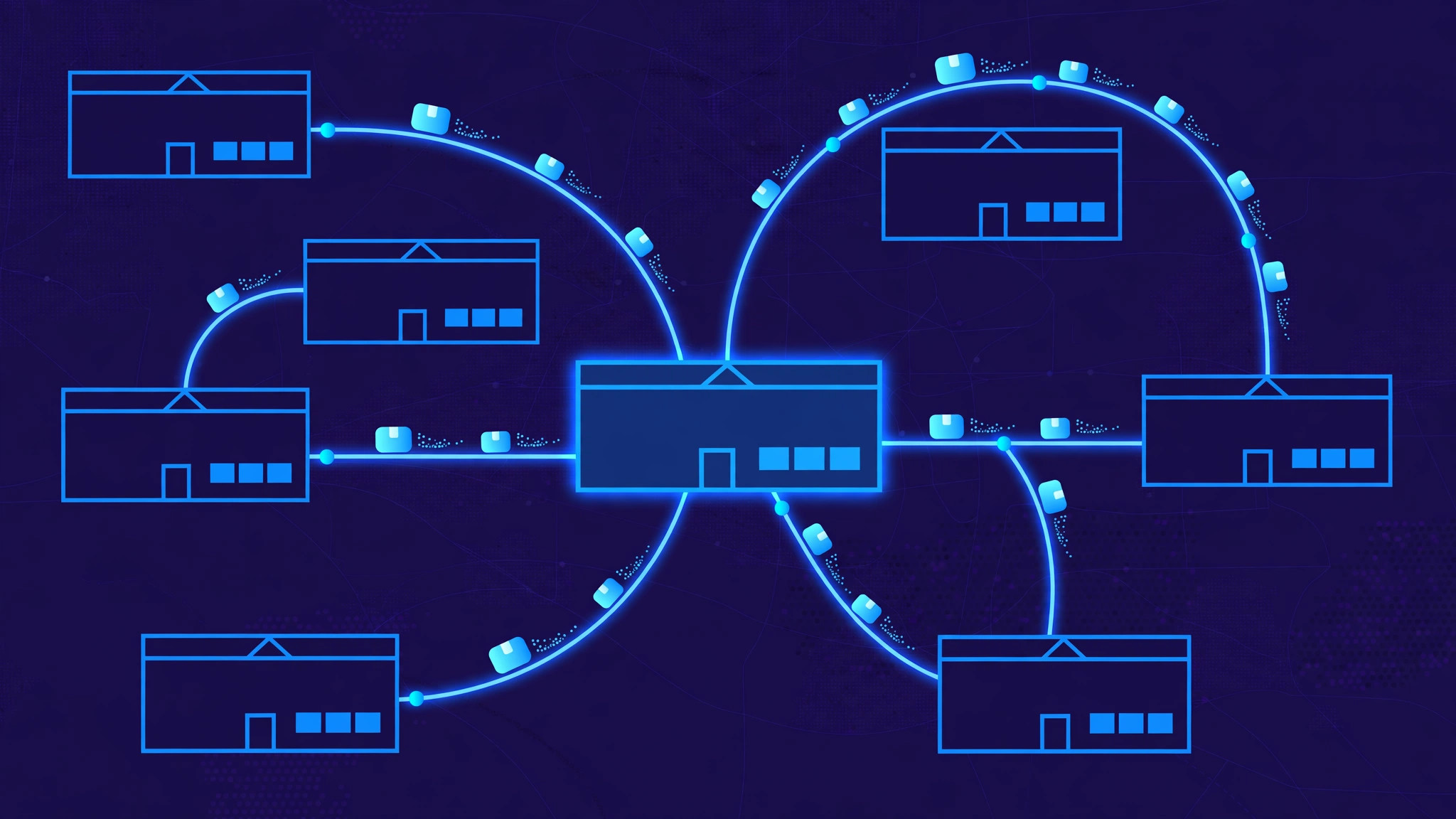
Multi-warehouse inventory software works by keeping one live stock record for every product at every location, and updating it the moment anything changes. When a sale, a delivery, a return or a transfer happens in one warehouse, the central system recalculates what is available there — and what is available everywhere else — so no two channels ever sell the same unit twice. The whole system is built around one idea: every location's stock is a view of the same data, not a separate spreadsheet.
One stock record, per product, per location
Everything starts with the stock record. For each product (identified by its SKU), the system stores a quantity for each location: the warehouse in Kochi, the warehouse in Delhi, the retail store, the third-party fulfilment centre. A product therefore does not have one number — it has one number per location, plus a company total that is simply the sum of them.
Each location quantity is itself split into states. On hand is what is physically sitting on the shelf. Reserved is stock already promised to open orders. Available — the number a sales channel is allowed to sell — is on hand minus reserved. In transit is stock moving between locations. This split is what stops overselling: a website may show 100 units on hand, but if 90 are already reserved, only 10 are actually sellable, and the system knows the difference.
How stock sync actually works
Sync is not a nightly batch job any more; it is a stream of events. Every stock change — a sale, a goods receipt, a stock count correction, a transfer — is recorded as an event against one product at one location. The central system applies the event, recalculates the available quantity, and pushes the new number to every connected sales channel: the website, the marketplace listings, the point-of-sale terminals.
Most modern systems do this with webhooks or a message queue. The warehouse scanner posts a "picked" event, the system decrements the location quantity, and the updated available-to-promise figure reaches the sales channels within seconds. Where a channel cannot accept live updates, the system falls back to scheduled sync — every few minutes — and flags any update that fails, so a stuck feed is noticed instead of silently going stale. Failed updates are retried and logged, because a sync that fails quietly is how a store sells stock it does not have.
Smart order routing: which warehouse ships it?
When an order arrives, the system has to decide which location fulfils it. The simplest rule is nearest to the customer, which cuts delivery time and shipping cost. But real routing weighs more than distance: it checks which locations actually have the item in available stock, which ones have packing capacity right now, and whether splitting the order across two warehouses would cost more in shipping than it saves in speed.
Good routing also respects business rules. A fragile item may only ship from warehouses with proper packing. A cold-chain product may only ship from a refrigerated location. Some customers are assigned to a specific warehouse by contract. The routing engine applies these rules in order — stock first, then constraints, then cost and speed — and, if no single location can cover the whole order, it either splits the shipment or holds the order and tells the customer why.
Transfers and replenishment: keeping stock where demand is
Stock does not stay balanced by itself. One warehouse sells out of a fast-moving item while another holds a surplus, so the system needs transfers: a request to move a quantity from location A to location B, which is picked, shipped, and received at the other end. While it is in transit, the units belong to neither location's available stock — they are in transit, so neither warehouse can sell them again.
Replenishment works on the same logic, driven by reorder points. Each product at each location has a minimum level based on its sales rate and supplier lead time. When available stock falls below that point, the system raises a purchase order or a transfer suggestion automatically. Forecasting refines this further: instead of a fixed minimum, the system watches recent demand per location and suggests moving stock before the busy season, not after the stockout.
Receiving, picking and stock counts
Inside each warehouse, the same system runs the floor. Receiving matches a delivery against its purchase order and adds the units to on-hand stock — flagging shortages or damaged goods before they enter the count. Picking turns an order into a route through the aisles, and a barcode scan at each pick confirms the right product left the right shelf. Every scan is an event, so the stock record and the physical shelf move together.
Stock counts close the gap between the record and reality. Rather than shutting the warehouse for a full count, most multi-warehouse systems use cycle counting: a small set of products is counted every day on rotation, and discrepancies are investigated while they are still small. A count adjustment is just another event — it corrects the location quantity, logs who made it and why, and pushes the corrected available figure to the sales channels.
Frequently asked questions
What is multi-warehouse inventory software?
It is software that tracks stock for every product at every warehouse, store and fulfilment centre a business operates, in one central system — so sales, purchasing and warehouse teams all work from the same live numbers instead of separate spreadsheets per location.
How does it prevent overselling?
By tracking available stock, not just on-hand stock. Units already promised to open orders are reserved, so a sales channel can only sell what is genuinely free. Every sale, return and transfer updates the available figure across all channels within seconds.
Can it move stock between warehouses?
Yes. Transfers are raised, picked, shipped and received as tracked steps, with the units shown as in transit in between — so they cannot be sold twice while they are on the road.
Does a small business need multi-warehouse software?
As soon as stock sits in more than one place — a warehouse plus a shop, or two warehouses — the answer is usually yes. The cost of overselling, emergency transfers and manual reconciliation grows fast, and a single stock record removes all three at once.
Build your inventory platform
We design and build inventory and fulfilment platforms — multi-location stock sync, smart order routing and warehouse workflows shaped around how your business actually moves goods. Tell us about your operation and we will show you what one live stock record could do for your warehouses, your channels and your customers.