Mobile workforce apps keep field teams in sync by acting as one shared source of truth between the office and the field. Dispatchers assign jobs from a central dashboard, updates push to workers' phones instantly, every job carries its full context — address, customer details, photos, checklist — and everything the worker captures on site (photos, signatures, status changes) flows back to the office in real time. The key engineering ideas underneath are an offline-first mobile client with an automatic sync queue, a real-time dispatch engine, live GPS tracking with geofenced check-ins, and conflict resolution so two people editing the same job never lose data.
The office dashboard and the field app
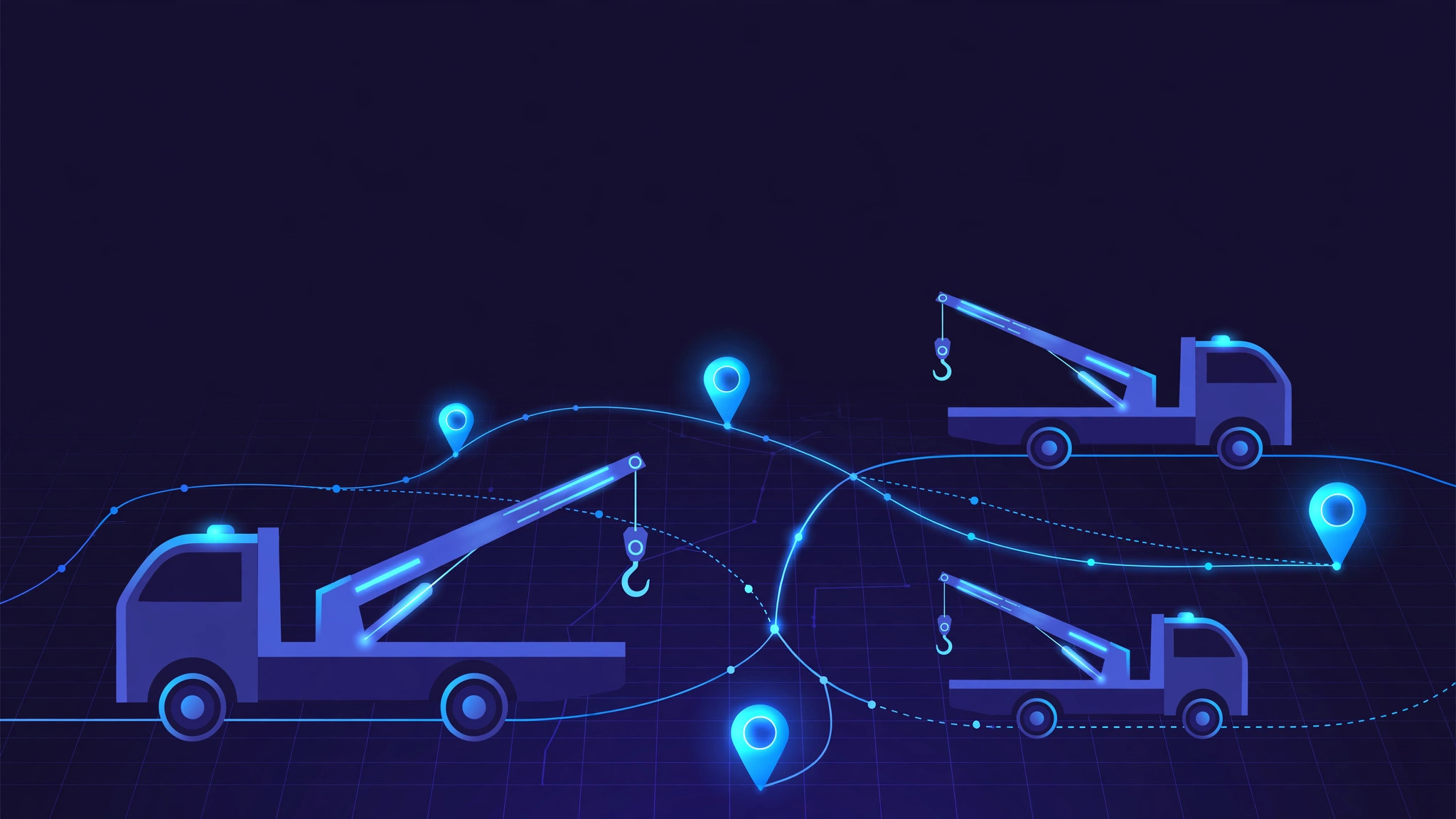
Every mobile workforce app is really two apps that talk to each other: a web dashboard for dispatchers and managers, and a mobile app for the people doing the work. The dashboard is where the day is planned — jobs are created with customer details, addresses, priorities, due times and required skills, then assigned to workers, often by dragging them onto a schedule. The moment a job is assigned or changed, it appears on the worker's phone in order, with directions and everything needed for the visit. When a job moves to the closest available person, or when rain forces a reschedule, the updated plan pushes to the affected phones immediately. Nobody has to call around; the plan changes and the field knows.
Offline-first design for dead zones
The single most important architectural decision in a mobile workforce app is offline-first design. Field workers spend their days in basements, rural areas, tunnels and facilities with no signal. A good app treats connectivity as a bonus, not a requirement. When the worker starts the day with a connection, the app downloads the day's jobs, customer details, service history and checklists into encrypted local storage on the phone.
Everything captured on site — status updates, photos, signatures, form entries, timestamps — is written to a local queue first and synced to the server in the background whenever a connection appears. Compressed photos, batched uploads and smart retry logic keep it cheap on data and battery. The worker never experiences an interruption: the app works fully offline, and nothing is lost or re-entered when the signal returns.
Conflict resolution when two people edit one job
Offline editing creates a classic problem: what happens when the dispatcher changes a job while the technician is offline and edits the same job? Good systems handle this with conflict-resolution rules instead of last-write-wins. Field updates to work status and completion data are usually prioritized, since the person on site saw what actually happened; office updates to scheduling and customer details are preserved too. Where possible the two sets of changes merge intelligently, and genuine conflicts — like a job marked complete on site but cancelled by the office — get flagged for a manager to review. Without this, offline mode would silently corrupt data instead of improving it.
Live GPS tracking and geofenced check-ins
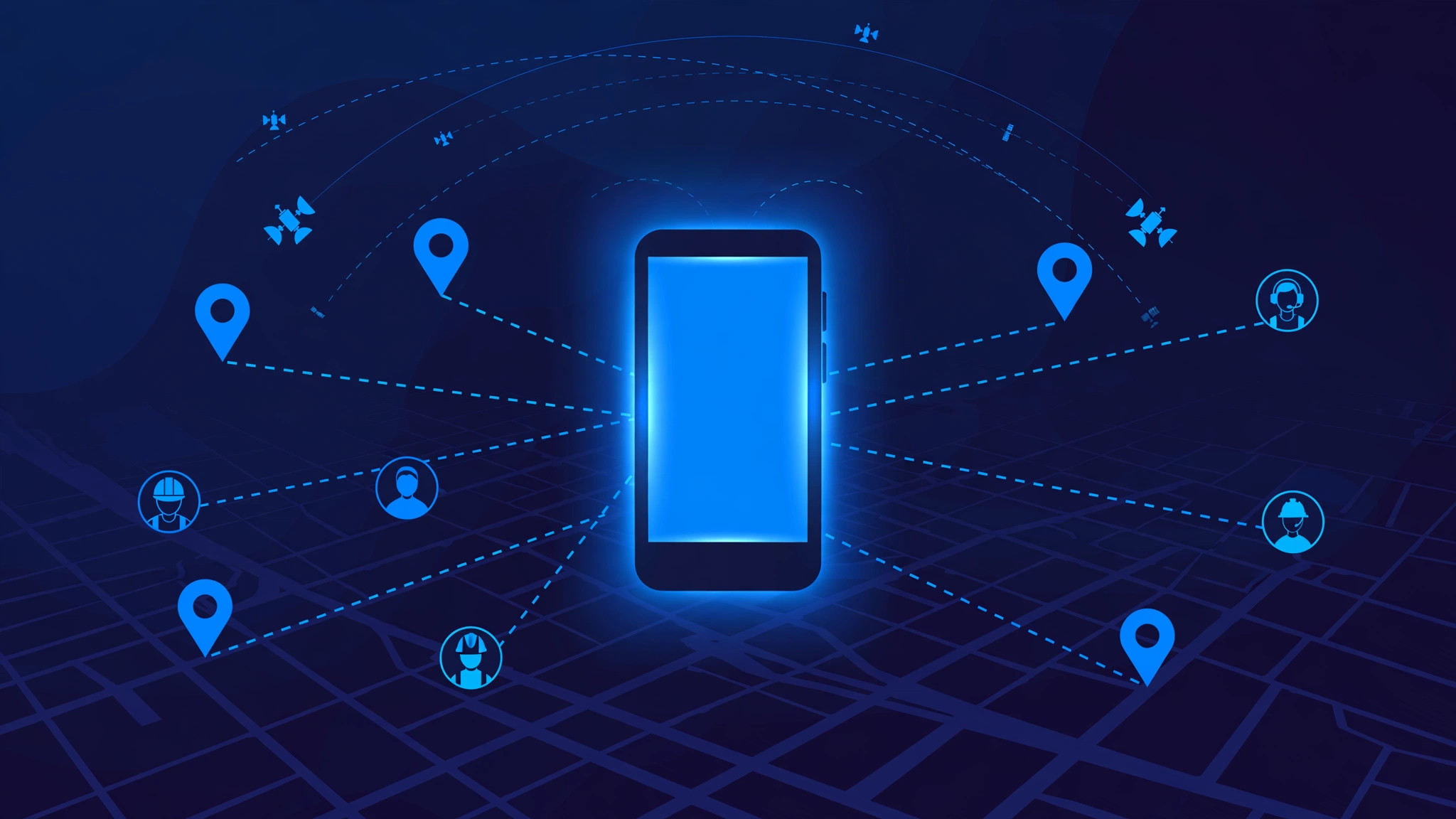
The dispatch dashboard shows every worker's live position on a map, which turns "where is everyone?" from a phone call into a glance. Geofencing makes attendance and arrival tracking automatic: when a worker enters the job site's GPS boundary, the app can log arrival; when they leave, it logs departure. Route history builds a record of the whole day's movement, which feeds coverage reports, beat compliance and billing accuracy.
Live ETAs are the customer-facing payoff — a live ETA page per job means customers stop calling the office to ask when the technician will arrive. The same GPS trail also validates time on site, which is how companies move from paper timesheets to verifiable hours.
Proof of work: photos, signatures and checklists
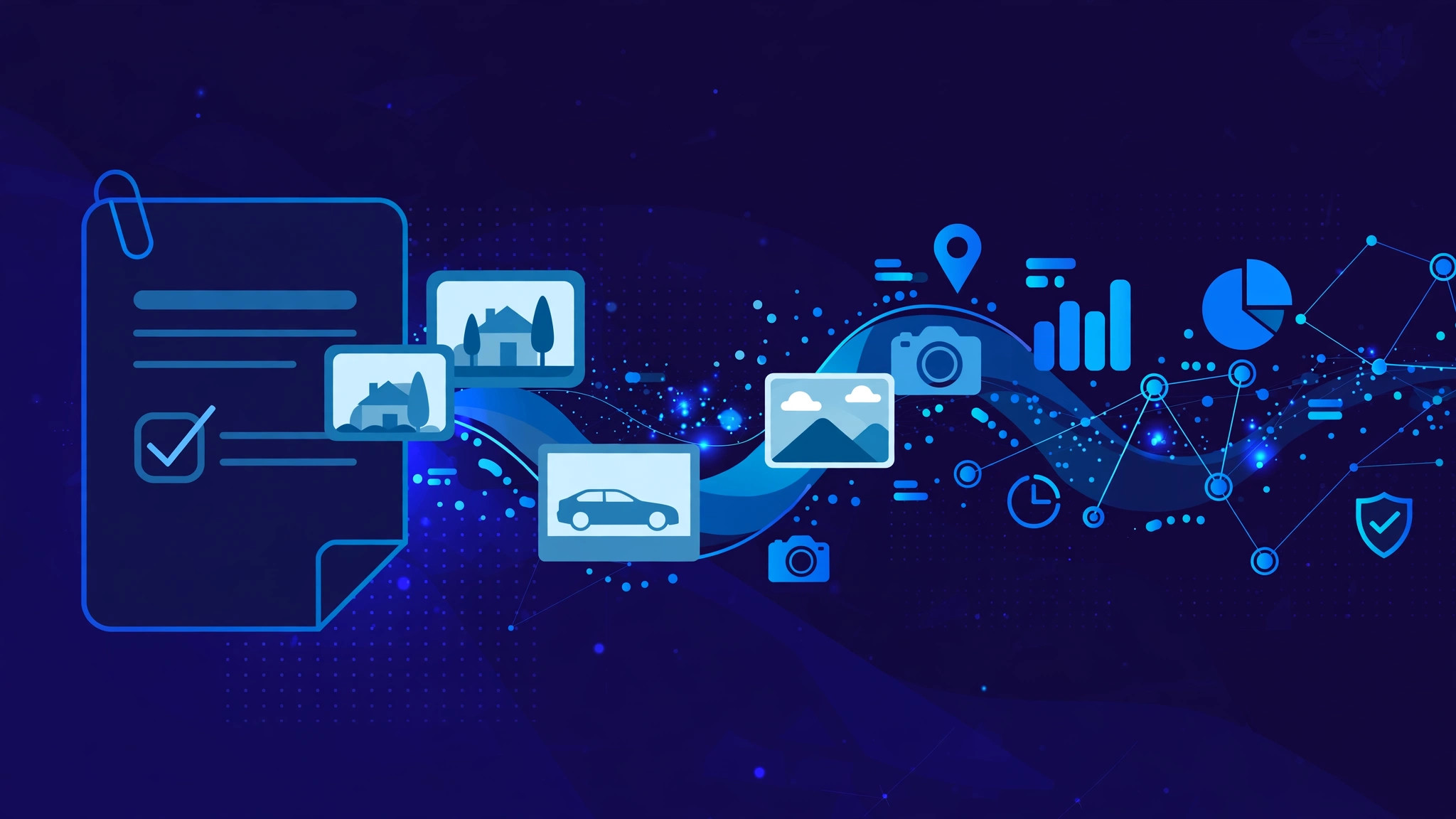
Sync only matters if the right data is captured. Mobile workforce apps standardize the evidence of a finished job: time-stamped and geotagged photos, before-and-after comparisons, digital customer signatures and digital checklists with conditional logic. Several validation layers prevent fake completions — GPS confirms the worker was at the location, timestamps and geolocation on photos prove on-site presence, and the customer's signature confirms the work was accepted.
This evidence assembles automatically into branded job reports that flow straight into invoicing, so a job moves from booked to billed without anyone re-entering data. For service businesses, this closes the loop from dispatch to cash.
Communication without the phone tag
A central messaging thread inside the app replaces the chaos of radio calls, group texts and voicemail. Messages are tagged and searchable, and urgent broadcasts can reach every crew at once — weather delays, emergency jobs, safety alerts. Crew questions route to the right person automatically, so a property access question goes to the office and an equipment problem goes to maintenance. When the conversation lives next to the job it is about, nothing gets lost between the van and the office.
Reports, timesheets and payroll accuracy
Because every event — check-in, arrival, job start, completion, checkout — is timestamped and geolocated, month-end reporting builds itself. Beat and coverage reports show which planned visits actually happened. Timesheets derive from actual shift and job data instead of self-reported hours. Anomalies like unusually short job times or skipped checklist steps raise automatic alerts for supervisors. The result is payroll and performance reporting that needs minutes of review instead of days of reconciliation.
Frequently Asked Questions
Do mobile workforce apps work without internet?
Yes — the good ones are built offline-first. The app stores the day's jobs and captures all field data in a local queue on the phone, then syncs automatically when connectivity returns. Nothing is lost and nothing has to be re-entered.
How do dispatchers reassign a job during the day?
From the central dashboard, the dispatcher moves the job to another worker in one action. The update pushes to the new worker's phone immediately with full job context, and the customer ETA updates automatically. No phone calls needed.
How do you stop workers from marking jobs complete without doing them?
Multiple validation layers: GPS confirms the worker was at the site, geotagged timestamped photos prove on-site presence, checklists require step-by-step completion, and a customer digital signature confirms acceptance. Supervisors get alerts on anomalies like unusually short visits.
Can field staff use their own phones?
Yes, most mobile workforce apps are designed for bring-your-own-device. They run on standard Android and iOS phones, keep business data in the app's encrypted storage, and remote-wipe options protect company data if a phone is lost. Set clear security policies before rolling out.
Build your field team an app that keeps up
Whether you need dispatch for service technicians, route and beat management for sales teams, or attendance tracking for large field crews, InRay Labs builds mobile workforce systems with offline-first architecture, real-time dispatch and live GPS tracking. Talk to us about your field operations →