How Incident Management Software Works: From Alert to Resolution
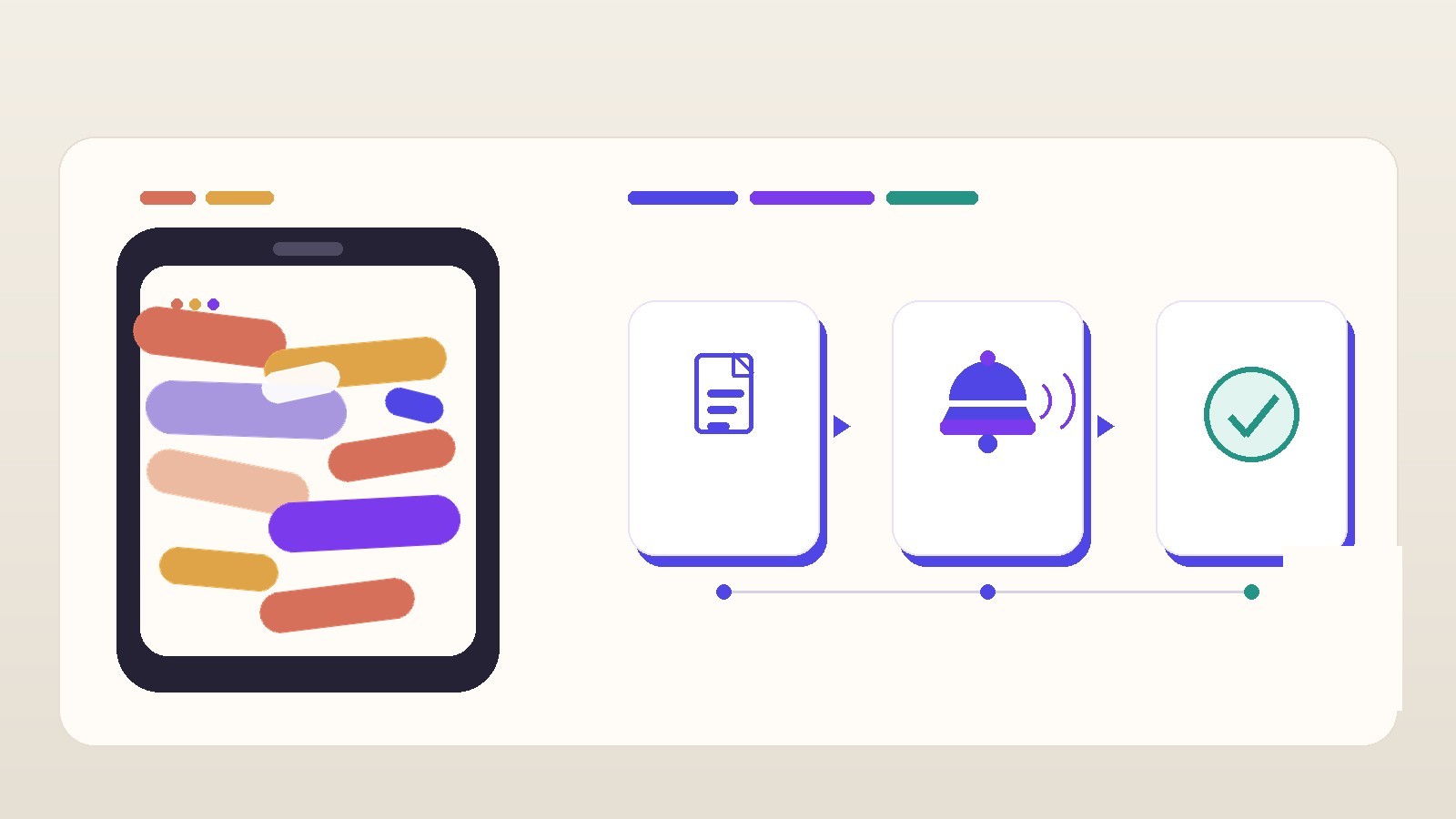
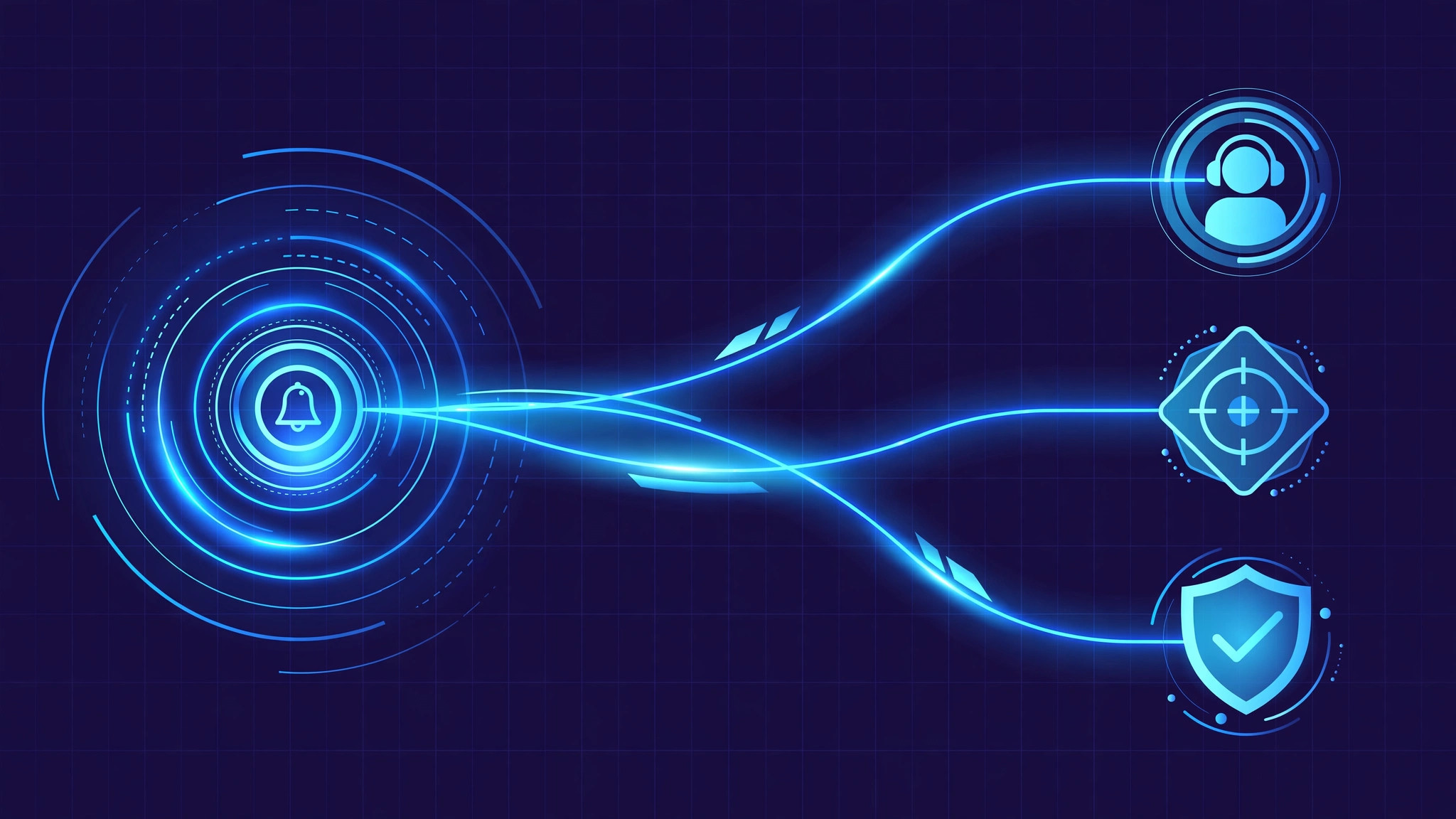
Incident management software turns chaos into a repeatable process. When something breaks — a server goes down or a vehicle needs recovery on a highway — the platform catches the alert, decides who should respond, routes it to them, tracks every step of the fix, and records what happened so the next incident is handled faster. Here is how each stage works.
The incident lifecycle at a glance
- Detection. An alert arrives from a monitoring tool, a customer report, or an automated sensor.
- Correlation and filtering. Duplicate and low-value alerts are grouped or suppressed.
- Triage. The incident is categorized, assigned a priority, and a responder is picked.
- Dispatch and escalation. The right person or team is notified; the alert moves up the chain if nobody answers.
- Investigation and resolution. Responders diagnose and fix the problem with the full timeline in one place.
- Closure and review. The incident is closed, documented, and analyzed so it does not repeat.
Stage 1: Detection and alert ingestion
Everything starts with an alert. In IT operations, alerts come from monitoring tools — uptime checks, log watchers, error-rate trackers — delivered through APIs or webhooks. In service businesses, the "alert" is often a customer call, an in-app request, or a GPS sensor flagging a stopped vehicle.
A good platform accepts alerts from many sources and normalizes them into one format: what happened, where, when, how severe it looks, and what it affects. Each alert carries context — timestamps, affected services, links to dashboards or runbooks. Without that, responders start every incident hunting for basic facts; with it, they start fixing.
Stage 2: Correlation — turning noise into signal
A single outage can fire hundreds of alerts: the database stops responding, and every service behind it raises its own alarm. If each alert pages a person, the on-call engineer drowns in notifications. Correlation fixes this "alert fatigue" by grouping related alerts into one incident: alerts from the same service in the same time window, alerts that share a root component, alerts that follow a known failure pattern. Deduplication merges repeats; suppression rules silence known noise like alerts during scheduled maintenance.
Stage 3: Triage and prioritization
Categorization tags the incident by type — infrastructure failure, security event, customer-reported issue, field-service job — so it routes to the right team. Prioritization comes from two inputs:
- Impact. How many users, customers, or systems are affected?
- Urgency. How fast does service need to be restored to limit damage?
A payment-system outage is high impact and high urgency: top priority. A minor visual bug queues for later. The best systems derive priority from impact and urgency automatically instead of letting reporters pick severity themselves.
Stage 4: Dispatch and escalation
Dispatch answers one question: who fixes this, right now? The platform consults the on-call schedule — the rotation defining who is responsible at any hour — matches the incident category against each responder's skills, then notifies through push, SMS, phone call, and chat in that order. If the primary responder does not acknowledge within a set time, escalation policies kick in automatically: the alert moves to the next person, then a team lead, then a manager. Nobody has to remember to escalate; the schedule and the timeouts do it.
In field-service operations like vehicle recovery, this stage works on location too: the system plots the incident on a map, finds the nearest available vehicle by live GPS, and assigns the job. Same logic — right resource, right incident, as fast as possible.
Stage 5: Investigation and resolution
With responders engaged, the platform becomes the command centre: every alert, acknowledgement, note, and action lands on one timeline. Many tools open a "war room" — a temporary chat channel pre-loaded with the incident details and the right people invited automatically.
Runbooks do the heavy lifting here. A runbook is a pre-written playbook for a known failure: check this dashboard, restart that service, run this command. Attaching the runbook to the incident turns a stressful diagnosis into a checklist. Some platforms go further and trigger automated remediation before a human even arrives — a scripted restart or failover that resolves common failures in seconds. Throughout, a status page keeps customers informed without responders typing the same update twenty times.
Stage 6: Closure and post-incident review
The incident closes once the fix is verified — service healthy, customer satisfied — but the most valuable stage comes after: the blameless post-incident review.
The review asks five questions: what happened, what was the impact, how was it detected, how was it resolved, and what will stop it happening again. Because the timeline was captured automatically, the review works from facts, not recollections. Action items — better monitoring, an updated runbook, a configuration fix — get tracked like any other work. This loop is what makes incident management compound in value: each review makes the next response faster.
The metrics that tell you it is working
Incident platforms report a small set of metrics that managers actually use:
- MTTA (mean time to acknowledge). How fast does a human pick up the alert? Slow MTTA usually means bad alert routing or fatigued responders.
- MTTR (mean time to resolve). How long from alert to verified fix? The headline metric — everything the platform does pulls it down.
- Escalation rate. How often alerts climb past the first responder? A high rate means routing or training needs work.
- Repeat incidents. How many incidents share the same root cause? This measures whether postmortems are producing real fixes.
If these numbers trend down quarter over quarter, the platform is doing its job.
Frequently asked questions
What is the difference between an incident and a problem?
An incident is something broken right now — a service is down, a customer is waiting — and the goal is to restore service fast. A problem is the underlying cause behind one or more incidents, and the goal is to eliminate it permanently. Incident management handles the fire; problem management stops the next one.
What is MTTR and why does it matter?
Mean time to resolve is the average time from an alert firing to the incident being verified as fixed. It captures everything — detection speed, routing accuracy, responder skill, tooling quality — in a single number that maps directly to downtime and customer impact.
How do on-call rotations work?
A rotation schedule guarantees a qualified responder is always reachable. Team members take turns — typically weekly — carrying the pager. The platform knows who is on call at any moment, routes alerts to them first, and escalates to the next person if they do not acknowledge in time.
Can one platform handle both IT incidents and field-service incidents?
Yes. The core engine — ingest, correlate, prioritize, dispatch, track, review — is the same. Field-service platforms add map-based dispatch, nearest-resource matching, and mobile apps for crews, but they run the identical incident lifecycle underneath.
Building an incident or dispatch system?
Alert pipeline, on-call layer, or dispatch platform for field operations — the architecture follows the pattern above: ingestion, correlation, smart routing, and a compounding review loop. We have shipped these systems in production. Talk to us about your project.