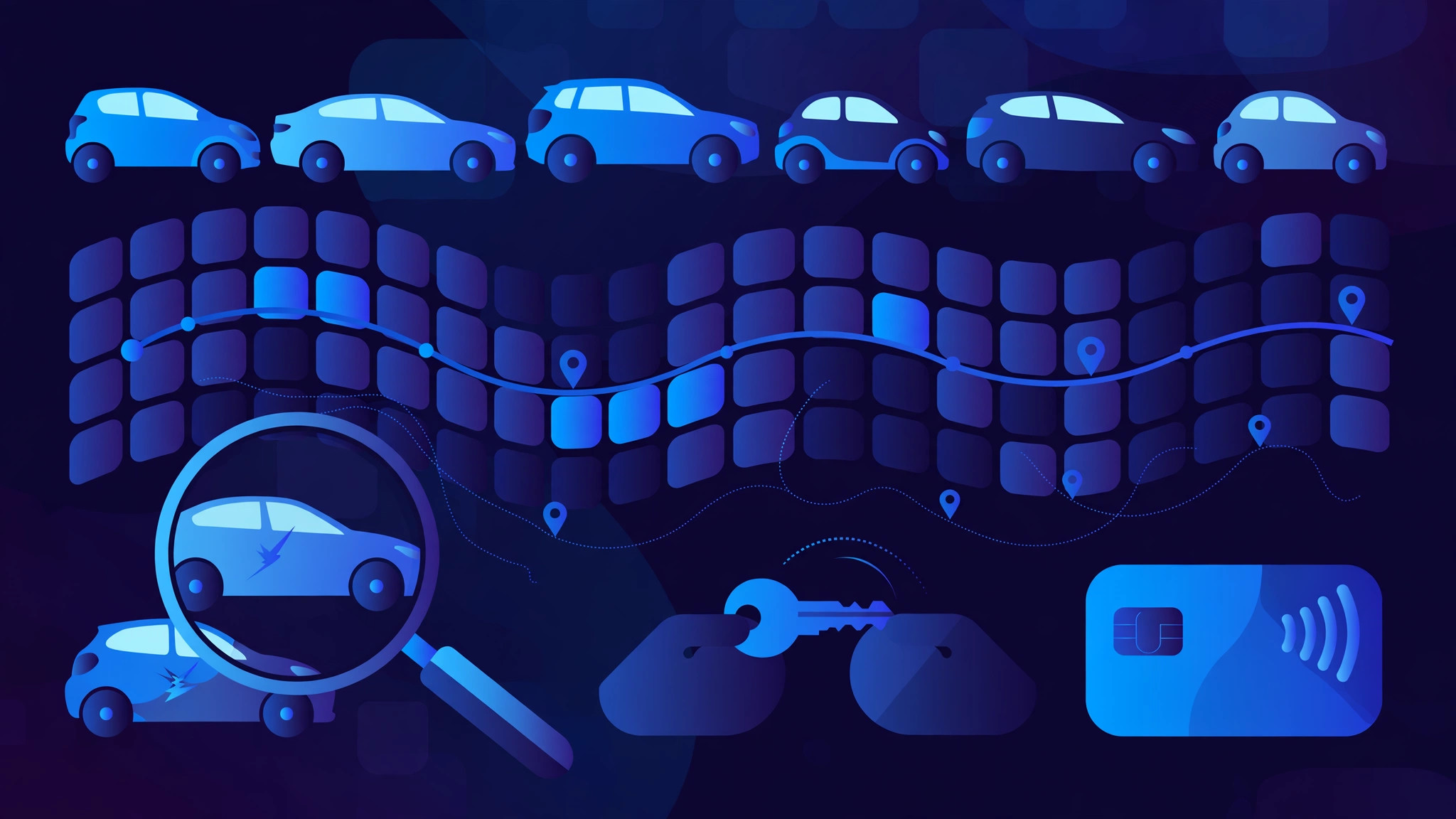
Car rental software is the operating system of a rental business. It runs everything from the moment a customer searches for a car to the moment the car comes back: the booking, the price, the fleet, the handover, the damage check, the deposit and the invoice.
Booking and availability
Every rental starts with a search: pick-up branch, dates, and vehicle class. The system checks live availability before it shows a price, so a car that is already out, in the workshop, or held for another booking never appears as available. Customers book a class — compact, sedan, SUV — not a specific car. Staff assign a real car by number plate at pick-up, so one car going off the road does not cancel a booking. A good system blocks double bookings at the database level, so two bookings can never hold the same car for overlapping dates, and it enforces a turnaround buffer between rentals for cleaning and checks.
Pricing and extras
The price is worked out by rules, not by hand. A rate card sets the daily price per vehicle class, then rules adjust it: weekend uplift, seasonal rates, longer-rental discounts, and per-kilometre charges above a free allowance. Extras are added at the same step — child seat, extra driver, GPS, insurance upgrades — each with its own price and stock limit. Corporate accounts get their own rate cards and monthly consolidated invoices. The quote the customer sees is the price the desk sees, because both come from the same engine.
The fleet board: every car on one screen
The fleet board is where the rental day starts. It shows every car, its branch, and its status: available, reserved, on rent, in maintenance, or blocked. Statuses update as staff work: pick-up puts a car on rent, return makes it available again, and a maintenance block takes it out of sale for those dates. Each car carries its papers — insurance, fitness certificate, pollution certificate, and permit — each with an expiry date. A car with an expired paper is blocked from new bookings until it is renewed, so it cannot go out by mistake.
Handover: the pick-up inspection
At pick-up, the handover is done on a phone, not on paper. Staff confirm the driver's licence and identity, then walk around the car and record its condition: fuel level, odometer reading, and photos of all four sides. Existing scratches and dents are marked on a car diagram, so there is a clear record of what was already there. The customer signs the agreement on the phone screen. Every step is timestamped, so arguments about fuel, mileage, or a scratch are settled before they start.
Return and damage checks
Return is the mirror of handover. Staff record the odometer and fuel level again, photograph the car, and compare the new condition report side by side with the one from pick-up. New damage is flagged on the spot, priced from a standard damage tariff, and charged against the deposit or raised as a claim. Late returns and excess kilometres are calculated automatically from the agreed return time and the free allowance. Some systems use AI to analyse the photos and generate the condition report in minutes. Either way, the before and after records live on the same rental, so a dispute has an answer instead of an argument.
Deposits and payments
Money moves in three parts: the rental charge, the deposit, and any extras. The deposit is usually a hold on the customer's card rather than a charge, set per vehicle class, and it is released automatically once the return is accepted and any damage charges are settled. Deposits are kept in a separate ledger from revenue. The invoice — with tax, deposit, and extras broken out — is generated from the same record as the rental, so the bill always matches what actually happened.
Maintenance and compliance
A rental car earns money only when it is on the road, so the system schedules its downtime. Servicing is booked by mileage or by date, and the car is blocked from new rentals for those days. The system sends alerts before each paper expires, and it tracks service history per car, so repeat faults show up before they strand a customer. Utilisation reports show which cars earn and which sit idle, and which vehicle classes bring the best margin — the numbers an owner uses to decide what to buy next.
Multi-branch and one-way rentals
Once a business grows past one branch, the software has to know where every car is. Each branch has its own opening hours, fleet, and fees, and staff at one branch can see availability at the others. A customer can pick up at one branch and return at another, and the system moves the car to the return branch's fleet and charges the drop-off fee automatically. For larger operators, the same engine also feeds booking marketplaces and travel agents through an API, without double bookings.
What good car rental software gets right
They give every rental one record and one number, and every booking, handover, return, payment, and damage note updates that same record — so everyone sees the same truth. They never promise a car they do not have, because availability is checked live and a car cannot be booked twice. They photograph the car at both ends of the rental, so damage is a fact, not a memory. And they close the loop on money: deposits held and released, and invoices that match the rental.
Frequently asked questions
What is the difference between self-drive and chauffeur-driven car rental software?
Self-drive software focuses on damage inspection, deposits, and telematics, because the customer drives the car alone. Chauffeur-driven software focuses on driver allocation, duty slips, and garage-to-garage kilometres and hours, because the business supplies the driver with the car.
How does car rental software prevent damage disputes?
It photographs the car at pick-up and at return, records fuel and odometer readings at both ends, and marks existing damage on a car diagram that the customer signs. The before and after reports sit on the same rental record, so any new damage is visible side by side with what was already there.
How do deposits work in car rental software?
The deposit is usually a hold on the customer's card, set per vehicle class, rather than a charge. It is released automatically once the return is accepted and any damage or late-return charges are settled, and it is tracked in a separate ledger from rental revenue.
Is car rental software worth it for a small rental business?
Yes, once the fleet outgrows a spreadsheet and a wall calendar. A small operator gains from live availability that prevents double bookings, photo handovers that end damage arguments, automatic pricing, and deposit tracking — the bookings and disputes it prevents usually pay for the system.
Build your car rental software with InRay Labs
If you run a car rental business and need software that knows every car, every booking, and every handover — fleet, pricing, photo inspections, deposits, and invoices in one place — InRay Labs builds it. Talk to us about your car rental system.