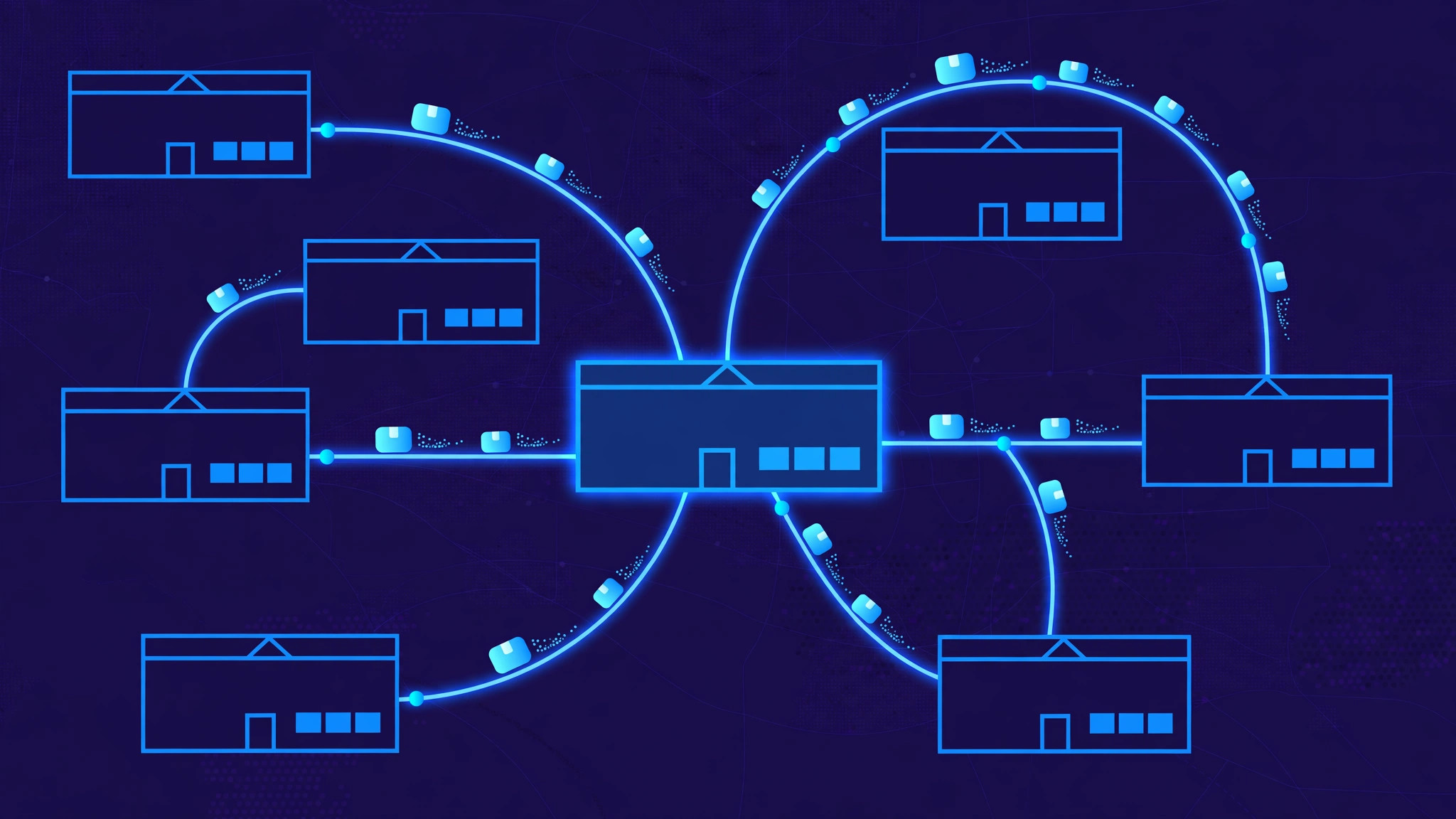
Warehouse management software is the system that turns a warehouse into a place where every item has an address, every move is recorded, and no one has to remember where anything is. Behind one screen sit a map of bins, a barcode scanner, a putaway engine and a picking route planner. Together they take goods from the receiving dock to a shelf, then from that shelf into a box and out the door — with a scan confirming every step.
The warehouse map: zones, aisles, racks and bins
Everything starts with the map. The software divides the warehouse into zones — receiving, storage, packing, shipping, returns — and each zone into aisles, racks, shelves and bins. Every bin gets a code, such as A-04-2-3, and a printed barcode label, so the address on screen matches the shelf on the floor. Bins also have a type: a pick face holds the stock that is ready to pick, a reserve bin holds bulk stock, a staging bin holds goods waiting to move, and a returns bin holds items that came back. Fast-selling products get pick faces close to the packing area, because every metre a picker walks is time and money.
Receiving: from the dock to a bin
When a delivery arrives, the warehouse team unloads it at the receiving dock and checks it against the purchase order or the supplier's advance shipping notice. A worker scans each item's barcode, confirms the quantity, and flags shortages or damage before the goods enter sellable stock. Damaged or wrong items go to a quarantine area, not to a shelf. Each scan posts a real-time receipt against the order, so stock levels update immediately. The time this takes — dock-to-stock time — is one of the first numbers a warehouse manager watches.
Putaway: the system picks the spot
Putaway moves received goods from the staging area to their storage bin, and a good system does not leave the choice to memory. Putaway rules suggest the best bin for each item based on its size, weight, how often it sells, and how much space is free. A heavy item goes low, a fragile item goes somewhere safe, a fast mover goes near the packing station, and chilled goods go to the cold zone. The system can enforce rotation too: FIFO takes the oldest stock first, FEFO takes the earliest expiry first — important for food, medicine and anything with a shelf life. The worker scans the bin to confirm the location, and the system records exactly where the item now lives.
Picking: routes that cut walking time
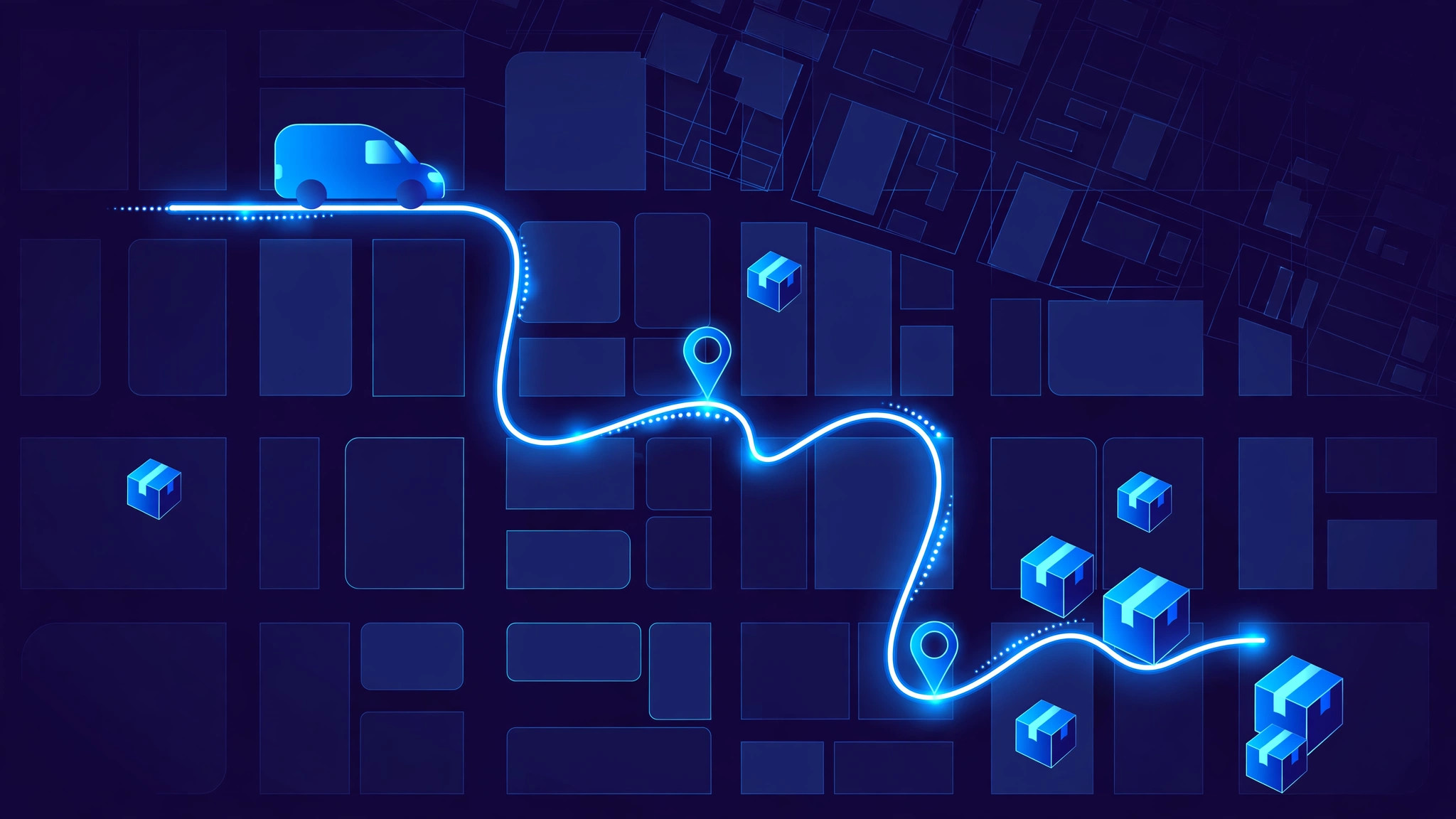
Picking is the most labour-intensive job in the warehouse, because pickers spend most of their time walking between locations. The software turns orders into pick lists — a step-by-step route that visits bins in the most efficient order — and the picker follows it with a handheld scanner, scanning each bin and item to confirm the pick. A wrong item, wrong quantity or wrong batch is caught on the spot, not discovered by the customer. When volume grows, the system groups orders to cut walking further: batch picking collects several orders in one walk, wave picking groups orders by carrier cut-off time or zone, and zone picking keeps each picker inside one area while the order moves between zones. Directed picking like this lifts accuracy from around 85% with paper lists to over 99% — the difference between a warehouse that ships on time and one that spends its evenings fixing mistakes.
Packing and shipping: the last checks
After picking, items go to a packing station. The packer scans each item against the order one more time — the last chance to catch a picking error before the customer does — then the software suggests the right box size, prints the shipping label with the carrier barcode and tracking reference, and records the weight. Packed orders move to the shipping dock, staged by carrier and loaded onto the right vehicle. When the carrier scans the parcel, the order status updates automatically and the customer gets a tracking link. Some warehouses skip storage altogether with cross-docking: goods arriving on one truck are matched to outgoing orders and moved straight to the shipping dock, never touching a bin.
Inventory control: cycle counts and accuracy
A warehouse is only as good as its stock figures, so the software keeps inventory accurate with cycle counts — small, regular checks of a few bins each day instead of one giant stocktake once a year. The system picks which bins to count, the worker scans what is actually there, and any difference is logged with a reason code: damaged, miscounted, misplaced. Replenishment runs alongside: the system watches pick faces and tells staff exactly which reserve bin to refill them from, and how much, so a picker never walks to an empty face.
What good warehouse software gets right
The best systems are boring in the right ways. They give every item an exact address, so nothing is ever "somewhere in aisle three". They confirm every move with a scan, so a mistake is caught where it happened, not at the customer's door. They plan the picker's route, so the walking is short and the orders are right. They keep stock figures live, so the website never sells what the warehouse does not have. And they count a little every day, so accuracy never drifts far enough to need a shutdown.
Frequently asked questions
What is the difference between a WMS and inventory software?
Inventory software tracks how much stock you have. A warehouse management system also tracks where it is, how it moves, and who moved it.
Do I need barcodes, or should I use RFID?
Barcodes are enough for most warehouses: cheap to print, quick to scan, and every bin and product already carries one. RFID reads many tags at once without line of sight, which helps at very high volumes or for tracking pallets through dock doors — but it costs far more to set up. Start with barcodes and add RFID only where scan time is actually the bottleneck.
Is warehouse management software worth it for a small warehouse?
Yes, once orders outgrow a paper list. Even a single-aisle warehouse gains from bin addresses, scan-confirmed picks and live stock figures — the mistakes it prevents pay for the system quickly. Most modern systems run on a phone or a cheap handheld scanner, so the setup cost is far lower than it used to be.
What is a pick face, and why does it matter?
A pick face is the bin a picker takes stock from — kept small, at waist height, and topped up from bulk reserve stock. Keeping pick faces full and close to packing is the simplest way to cut walking time, the biggest cost in picking.
Build your warehouse management system with InRay Labs
If you run a warehouse, a distribution centre or a retail chain and need software that knows where every item is — bins, barcodes, pick routes, live stock and all — InRay Labs builds it. Talk to us about your warehouse system and we will scope a solution that fits how your warehouse actually runs.