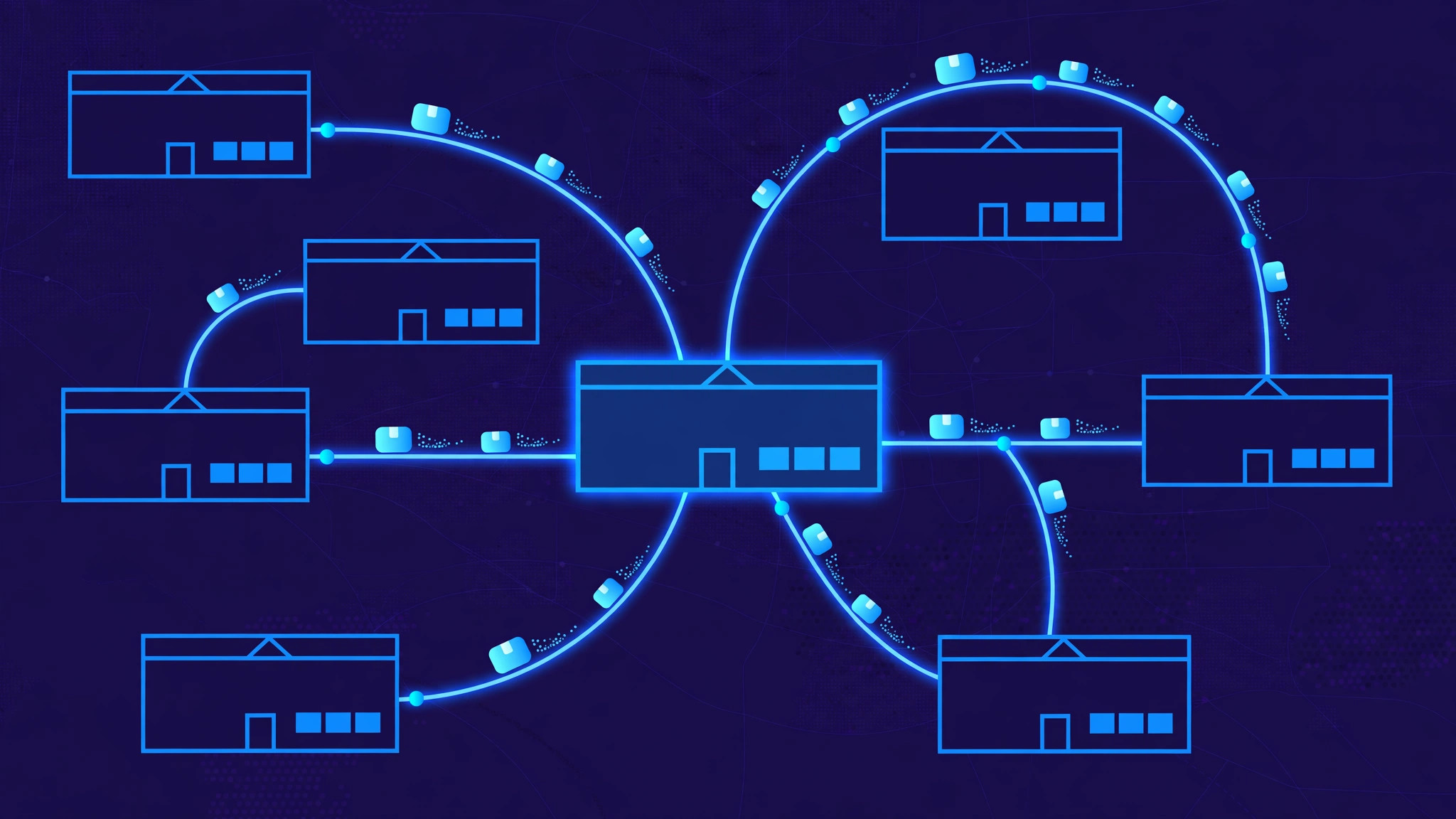
Hospital inventory software works by keeping one live record of every medical supply in the building, from the central store to the pharmacy, the wards and the operating theatres. When a nurse takes a box of gloves from a ward cupboard, when the pharmacy dispenses a medicine, or when a delivery arrives at the loading dock, the record updates. The point is simple: the right supplies must be in the right department at the right time, because a missing item in a hospital delays patient care.
One live stock record for the whole hospital
At the centre of the system is a single catalogue of items. Every product gets one entry with its name, strength or size, unit of measure, supplier and price. Each item is then tracked by location: the central store, the pharmacy, each ward, the intensive care unit and the operating theatres. This matters because the same item often exists in several places at once, and only a location-aware record can say how much exists in total and how much is available where it is actually needed.
Stock moves are recorded as transactions, not as edited totals. A delivery adds stock, an issue to a department removes it, a transfer moves it from one location to another, and an adjustment records damage or loss. Because every change carries a time, a user and a reason, the system can reconstruct the full history of any item. That history makes audits possible and lets managers spot unusual usage patterns.
How supplies enter the system
Everything starts with receiving. When a delivery arrives, staff check it against the purchase order and record what actually came in, including the batch or lot number and the expiry date for each batch. This batch detail is essential: two boxes of the same medicine can have different expiry dates, and treating them as identical stock is how expired products end up being used.
To keep the data accurate without slowing staff down, most hospitals use barcodes or RFID tags. A nurse or storekeeper scans an item when it is issued, and the system deducts it from the right location automatically. Barcodes are cheap and work well for most consumables, while RFID tags, which can be read without a direct line of sight, suit high-value items such as surgical trays and implants, where scanning dozens of items by hand would take too long. Scanning is what keeps the digital record and the physical shelf in agreement.
Par levels and automatic replenishment
The system prevents stockouts with par levels: a minimum and maximum quantity set for each item in each location, usually based on past usage rather than guesswork. When stock in a location falls to the reorder point, the system raises an alert or creates a replenishment request automatically.
Some departments use a two-bin system, which is the physical version of the same idea. Two bins hold the same item; staff take from the first bin, and when it is empty, they start on the second and send the empty bin back as the signal to restock. Whether the trigger is a bin, a scan or a dashboard alert, replenishment becomes routine instead of an emergency.
Expiry dates and FEFO
Expiry tracking is where hospital inventory differs most from ordinary stock control. The system holds the expiry date of every batch and flags items as they approach expiry, so staff can use them, transfer them to a busier department, or return them to the supplier before they become waste.
Issues follow FEFO: first expiry, first out. Staff are directed to pick the batch that expires soonest, even if a newer batch arrived first. This is different from the familiar first-in, first-out rule, and it matters because a recently delivered batch can expire sooner than an older one. Without FEFO logic in the picking workflow, the earliest-expiring stock quietly sits at the back of the shelf until it has to be thrown away, which is both a financial loss and, if it reaches a patient, a safety failure.
Moving stock between departments
Supplies rarely stay where they were first stored. A ward requests items from the central store, the pharmacy issues medicines to a ward, and a theatre borrows a specialist item from another theatre. The software handles these as internal requests with approval: a ward raises a request, the store approves and dispatches it, and both locations update at the moment of dispatch.
This also gives the hospital its cost picture. Because every issue is tied to a department, managers can see what each department actually consumes, compare it with patient numbers, and budget with real figures instead of estimates. When the system is connected to clinical records, supply usage can be linked to procedures as well, showing the true cost of procedures and making billing more accurate.
Cost tracking, audits and compliance
Good inventory software pays for itself in three places. First, it cuts waste: fewer expired items, fewer emergency purchases at premium prices, and less capital locked in overstocked cupboards. Second, it saves staff time: nurses spend less of their shift hunting for supplies or counting stock by hand, and store teams stop re-keying figures into spreadsheets. Third, it produces the audit trail regulators expect: batch traceability for recalls, controlled-substance records, and reports showing exactly what was used, where and when.
The honest limits are worth stating. The system is only as accurate as its scans, so if staff skip scanning during a busy shift, the record drifts from reality and trust in it falls. Hospitals that succeed treat the software as a discipline, with regular cycle counts to reconcile the record against the shelves, rather than a tool that runs itself.
Frequently asked questions
How is hospital inventory software different from ordinary stock software?
It tracks batches and expiry dates, not just quantities, enforces FEFO picking, manages controlled substances, and records which department and procedure consumed each item, all of which ordinary stock software does not do.
Do hospitals need RFID, or are barcodes enough?
Barcodes are enough for most consumables and are far cheaper. RFID earns its keep on high-value or hard-to-count items, such as surgical trays and implants, where scanning each item individually would be slow and error-prone.
How does the software prevent stockouts?
Par levels per item per location trigger alerts or replenishment requests when stock falls to the reorder point, and usage history helps set those levels from real demand rather than guesswork.
Does it connect to the hospital's other systems?
It should. Links to pharmacy systems, clinical records and procurement let usage update automatically when medicines are dispensed or procedures are performed, and let approved replenishment requests flow straight into purchase orders.
Building hospital inventory software with InRay Labs
Hospital inventory looks like a stock problem, but the hard parts are healthcare-specific: batch and expiry tracking, FEFO picking, department-level cost visibility, and an audit trail that stands up to inspection. Those are exactly the kinds of systems InRay Labs builds. If you run a hospital, a clinic or a pharmacy chain, or you are building software for one, talk to us.