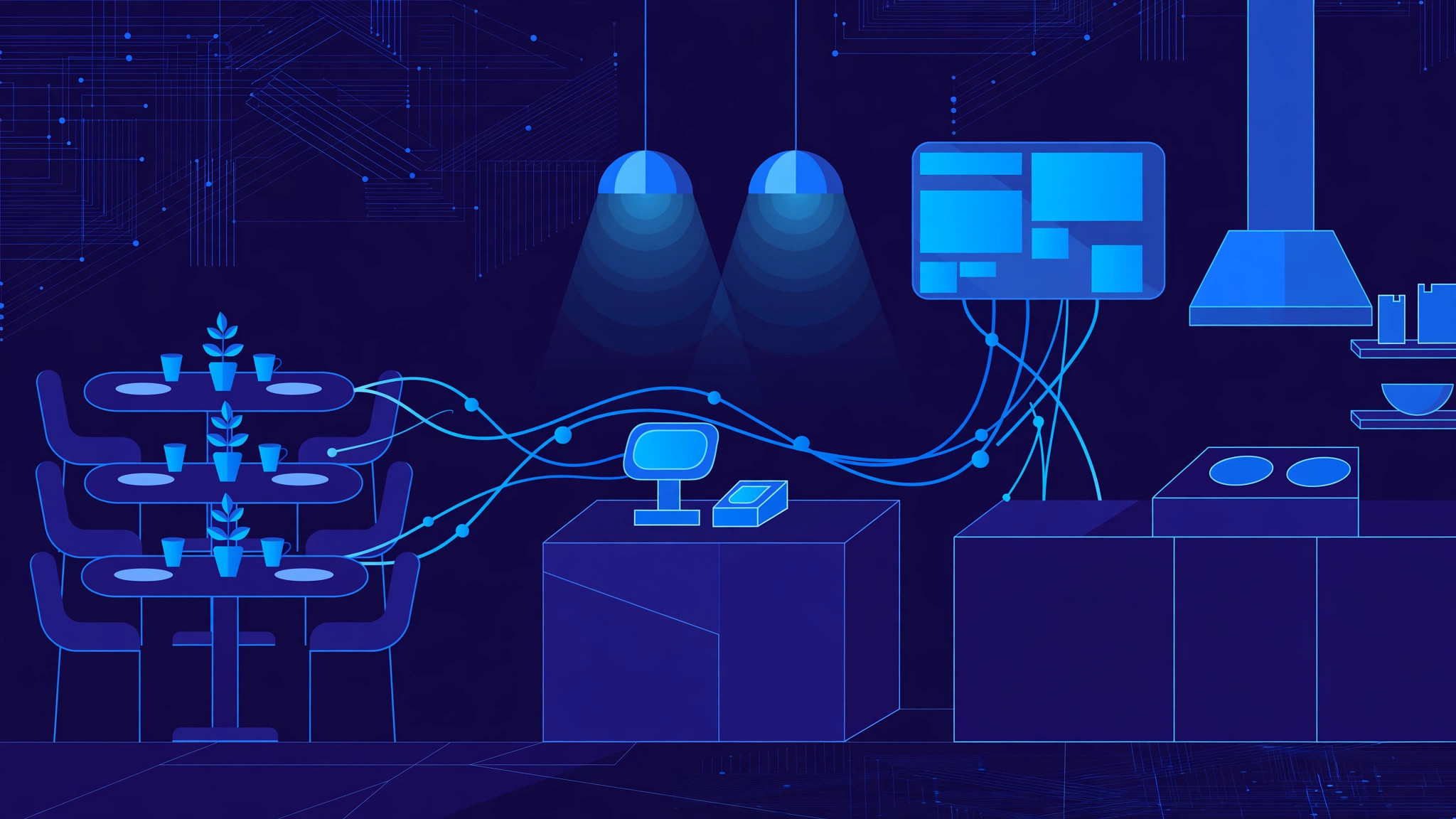
Restaurant POS software works by turning every order into one connected flow: the order is taken once, sent to the right kitchen station automatically, paid for against the same bill, and recorded in the restaurant's sales and stock data. POS stands for point of sale, and in a restaurant it is the system that links the dining room, the kitchen and the till. When it works well, the server never re-keys an order, the kitchen never works from a lost paper ticket, and the owner can see at the end of the night exactly what sold and what is left in stock.
Taking the order: one system, every channel
An order can arrive from several places, and the POS has to treat them all the same. A server takes a dine-in order on a handheld tablet at the table; a customer orders at the counter, from a self-service kiosk, or by scanning a QR code and ordering from their own phone; takeaway and delivery orders arrive from the restaurant's website or delivery apps. In a good system, all of these land in one order queue, not in separate piles staff must reconcile by hand.
Order entry is built around the menu, not free typing. Items sit in categories, with modifiers for the choices that matter in a kitchen: size, cooking preference, extra toppings, "no onion", allergies. Modifiers are the difference between an order the kitchen cooks correctly first time and one that comes back. Each order is tied to a table, a takeaway ticket or a delivery address, so the bill builds itself as items are added or removed.
The kitchen display system: where orders become food
Once an order is confirmed, the POS routes it to the kitchen — and routing is where a POS earns its keep. A single order usually splits across stations: starters to the cold station, mains to the grill, drinks to the bar. Each item goes only to the station that prepares it.
On a kitchen display system (KDS), orders appear on screens in the kitchen in the order they should be cooked, with the oldest first and new orders clearly flagged. Timers show how long each order has been waiting, and items change colour as they age, so a delayed order is visible before a customer complains. Cooks tap items as they finish them — "bumping" them off the screen — and the server is notified when a table's order is ready to run.
Course pacing is handled here too: starters fire immediately while mains are held until the starters are served. Screens also remove the two classic paper failures — tickets lost on a spike, and handwriting nobody can read — though many kitchens keep a printer as a backup.
Payments: splitting bills, settling the day
Payment is where accuracy matters most to the guest. The POS calculates the bill from the order itself, including taxes, discounts, service charges and tips, so the total is never re-typed and never depends on someone's mental arithmetic. Guests can pay at the table on a handheld card reader, at the counter, or online before pickup, by card, contactless, mobile wallet or cash.
Splitting the bill is a daily reality, and a good POS handles it without drama: split by item, so each guest pays for what they ordered, or split equally across the table, with each part settled by a different payment method. Partial payments, gift cards and loyalty points all settle against the same check, so the till always balances to the orders.
At close, the POS reconciles the day: card settlements against the payment provider, cash in the drawer against cash sales, and refunds and voids listed with the reason and approving manager. That reconciliation turns a pile of receipts into accounts the owner can trust.
What the data gives back: stock, menu and reports
Every sale is also a stock movement. When a dish sells, the POS deducts its recipe ingredients from inventory, so stock levels fall in real time. Low-stock alerts flag items before they run out mid-service, and an "86" — an item removed from sale — can be pushed to every terminal and online menu in seconds.
The same data powers menu decisions. Reports show which dishes sell, which barely move, which have the best margin once ingredient costs are counted, and which hours of the week are actually busy. That is the basis for menu engineering: promoting high-margin popular dishes, repricing or removing weak ones, and staffing to real demand rather than guesswork.
Cloud, offline mode and multi-outlet control
Most modern POS systems are cloud-based: menus, prices and data live on remote servers, so an owner can change a price once and see it update on every terminal, check live sales from anywhere, and manage several outlets from one dashboard. The trade-off is the internet connection — and a restaurant cannot stop serving because the Wi-Fi dropped.
That is why good cloud POS systems are offline-capable. Orders, kitchen tickets and cash payments keep working locally during an outage, and everything syncs to the cloud automatically when the connection returns. For multi-outlet groups, central control is the point: one menu, one price list and one set of staff permissions, applied everywhere, with per-outlet reports that still show each restaurant's own numbers.
Under the hood, a POS is an integration hub, connecting to payment providers, accounting software, delivery platforms, reservation systems and loyalty tools. Each integration removes one more round of manual re-keying — and every round removed is an error that never reaches a guest's bill.
Frequently Asked Questions
What is a restaurant POS system?
It is the combined software and hardware a restaurant uses to take orders, send them to the kitchen, process payments and track sales — terminals or tablets for staff, a kitchen display or printers, a card reader, and the software that ties them together.
How is a kitchen display system better than printed tickets?
Orders appear instantly, in cooking order, with timers that flag delays and stations that only see their own items. Nothing gets lost, handwriting is never misread, and finished items are bumped off the screen so the pass stays clear during a rush.
Can a cloud POS keep working if the internet goes down?
Yes, if it has an offline mode. Orders, kitchen tickets and cash payments continue locally and sync to the cloud automatically when the connection returns, so service is not interrupted by an outage.
Does a POS system track inventory automatically?
Yes. When recipes are set up, each sale deducts the dish's ingredients from stock in real time, and low-stock alerts warn before an item runs out. Accurate recipe data is the key.
Build your restaurant system with InRay Labs
If your restaurant still runs on separate tills, paper tickets and end-of-day guesswork, the problem is not your team — it is the missing system between your tables, your kitchen and your accounts. InRay Labs builds custom POS, ordering and kitchen display software for food businesses that need it to fit how they actually serve, not the other way round. Talk to us about your restaurant operation and we will map out what your system should look like.